Security Checklist
MCP Server Vetting Checklist
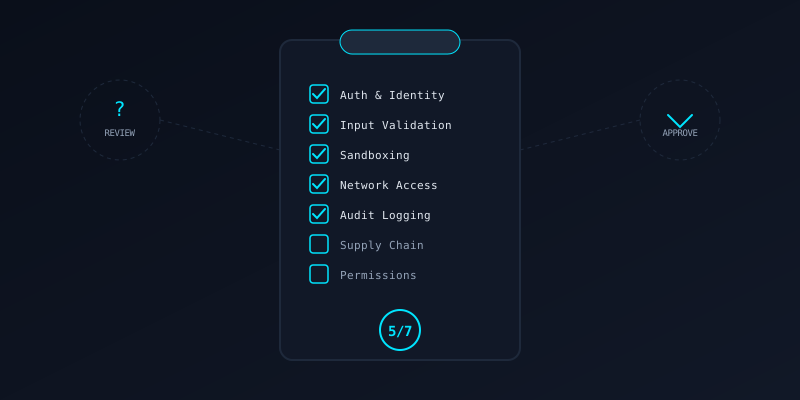
A practical, category-by-category security review for evaluating third-party MCP servers before you connect them to your agents.28 checks across 7 categories. 9 are critical.
How to Score
Low risk. Server follows security best practices. Connect with standard monitoring.
Medium risk. Gaps exist. Require fixes for critical items before connecting. Sandbox heavily.
High risk. Do not connect this server to production agents. Major security work required.
Authentication & Identity
(4 checks)The server does not expose tools to unauthenticated callers. API keys, OAuth tokens, or mTLS are enforced on every request.
No API keys, tokens, or passwords appear in source code, config files, or Dockerfiles. Secrets come from environment variables or a secrets manager.
The server supports rotating credentials without downtime. Short-lived tokens are preferred over long-lived ones.
Different clients can be granted different tool subsets. A read-only client cannot invoke write tools.
Input Validation
(4 checks)Every parameter has type checking, length limits, and format validation. No raw user input reaches internal APIs or shell commands.
File paths are resolved and checked against an allowlist. Inputs like ../../etc/passwd are rejected before reaching the filesystem.
All database queries use parameterized statements. No string concatenation builds SQL from tool inputs.
Large payloads are rejected at the transport layer. No tool accepts unbounded strings, arrays, or file uploads.
Sandboxing & Isolation
(4 checks)The MCP server does not run directly on the host. It is isolated in a container, VM, or at minimum a restricted user account.
The server can only read/write specific directories. Host filesystem mounts are read-only or scoped to a working directory.
The server cannot spawn arbitrary subprocesses. If it runs commands, they are allowlisted and parameterized.
CPU, memory, and disk usage are bounded. A misbehaving tool cannot consume all host resources.
Network Access
(4 checks)The server cannot make arbitrary HTTP requests. Egress is limited to known endpoints via firewall rules or proxy.
User-supplied URLs are validated against an allowlist. Internal network addresses (169.254.x.x, 10.x.x.x, localhost) are blocked.
All outbound HTTP connections use TLS. No plaintext HTTP to external services.
The server resolves DNS once and pins the IP, or uses a DNS proxy that blocks rebinding attacks.
Audit Logging
(4 checks)Tool name, caller identity, timestamp, and parameters are recorded for every invocation. Logs are append-only.
Passwords, tokens, PII, and secrets are masked or omitted from log entries. DLP scanning runs on log output.
Stack traces and internal paths do not appear in client-facing error responses. Detailed errors go to internal logs only.
Logs are forwarded to a central system (SIEM, log aggregator). Retention periods are defined and enforced.
Supply Chain
(4 checks)All package versions are locked (requirements.txt, package-lock.json). No floating versions that could introduce malicious updates.
The server source is available for review. Obfuscated or closed-source servers are a higher risk.
Docker images derive from official, verified base images. No unknown or untagged base layers.
The dependency tree is minimal. Each package serves a clear purpose. Unused or redundant packages are removed.
Permissions & Scope
(4 checks)The server requests only the permissions it needs. A file-reading server does not request write or execute access.
Destructive tools (delete, overwrite, execute) have a confirmation step or are gated behind elevated permissions.
Each tool description honestly states what it does, what data it accesses, and what side effects it has. No hidden capabilities.
The server cannot dynamically register new tools at runtime without client consent. Tool lists are static or version-controlled.
Quick Reference
Red Flags
- No source code available for review
- Server requires host network access or privileged mode
- Tools that accept arbitrary shell commands
- No authentication on any endpoint
- Dependencies with known CVEs
Green Flags
- Published security policy or threat model
- Runs in unprivileged container with read-only root
- Comprehensive input validation with clear error messages
- Structured audit logs with DLP redaction
- Pinned dependencies with automated vulnerability scanning
Want automated vetting? mistaike.ai scans MCP servers for these issues and more.